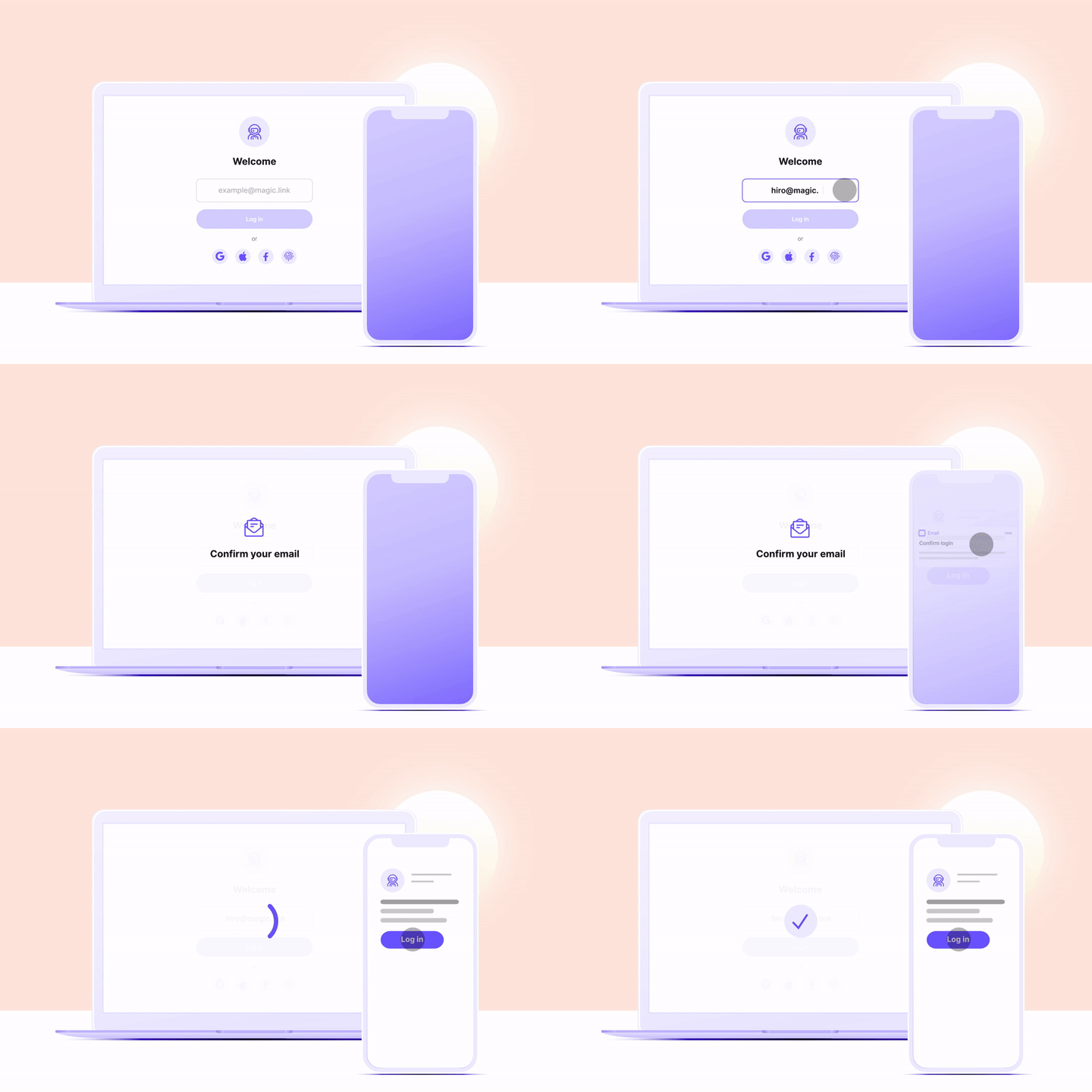
TechLearn India/Learn Building Social Media Site using GraphQL

  • ₹3,749

Learn Building Social Media Site using GraphQL

  • Course
  • 21 Lessons

Learn how to create a simple but secure social media site where you can share photos of your pet and view other people's pet galleries! using Hasura Cloud & Magic Link on TechLearn India.

Demo

Live Deployed application for understanding what you will develop in this course.

Contents

What is Hasura ?


The Hasura GraphQL Engine is an extremely lightweight, high performance product that gives you instant realtime GraphQL APIs on a Postgres database. This can be used to quickly build new applications on Postgres or fast-track the move to GraphQL for existing applications on Postgres.
Features of Hasura

Step by step Explanation

1. QuickStart
2. Introduction

Part 1: Build Heroku PostgreSQL Database


Step 0. Update Hasura Env

Step 1. Set up Heroku

Step 2. Create users table

Step 3. Create kitties table

Step 4. Create an array relationship

Step 5. Create an object relationship

Part 2: Build Next.js Client


<Signup />
<KittyDashboard />
<UserKittyPics />
<Profile />


Part 3: Plug in Magic Auth


Basic Business Use-Cases:

1. Signing up or Logging in
2. Ensure User is Logged in
3. Logging out


Part 4: Build GraphQL API


<Signup />
<KittyDashboard />
<UserKittyPics />
<Profile />

Try Magic


QuickStart
Intro
Part 1: Build Heroku PostgreSQL Database
Step 1. Set up Heroku
Step 2. Create users table
Step 3. Create kitties table
Step 4. Create an array relationship
Step 5. Create an object relationship

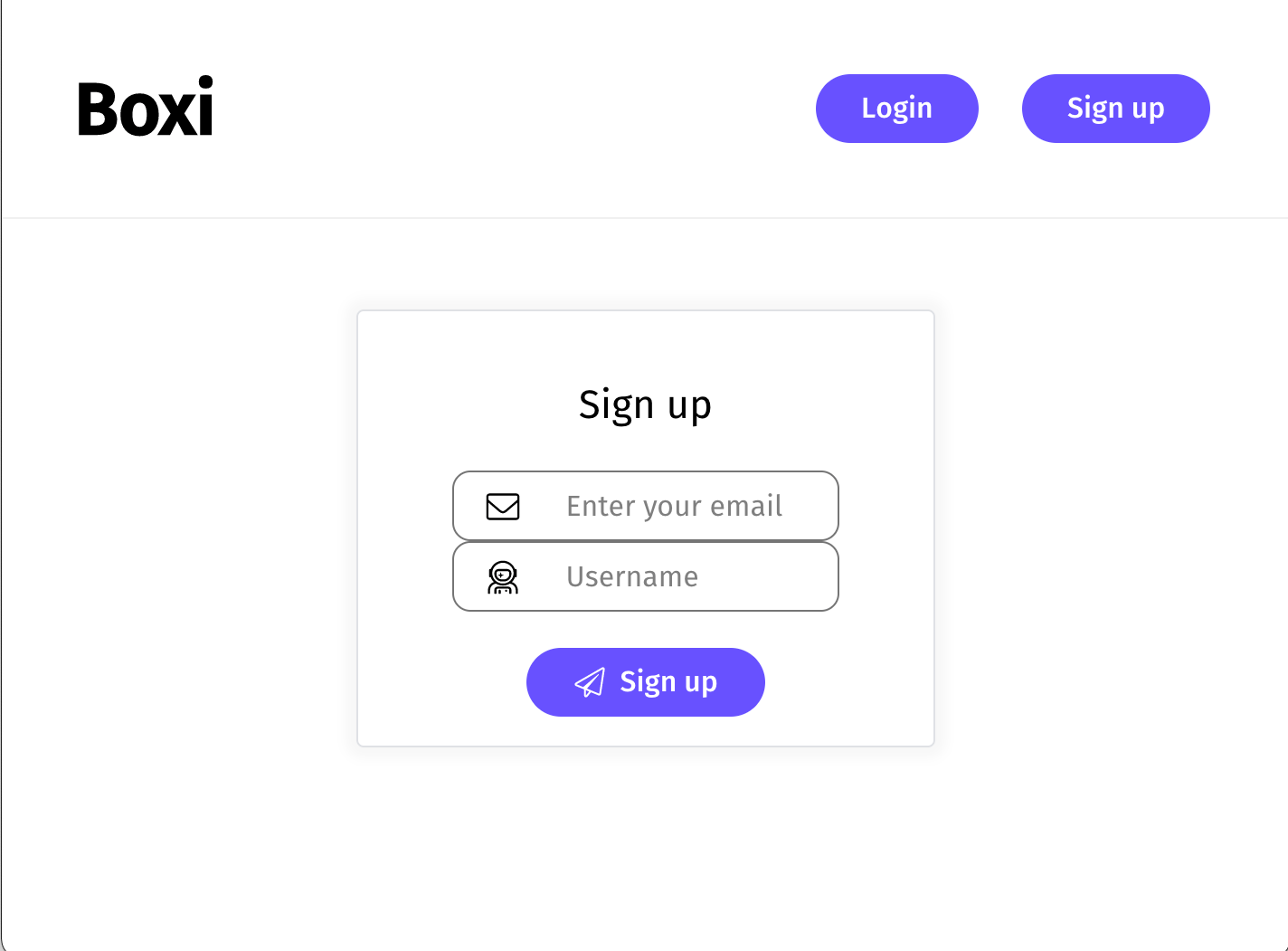
Part 2: Build Next.js Client

Now that we’ve got our database set up, let’s move onto the frontend and explain what our core UI components do!
<Signup />
<KittyDashboard />
<UserKittyPics />
<Profile />

Part 3: Plug in Magic Auth

Now let’s understand the core parts that make authentication with Magic possible.

Magic 

is the #1 user authentication and private key management solution for Web3 and Web2. Secure, seamless, scalable, and future-proof.


Signing up or Logging in
Ensure User is Logged in
Logging out

Part 4: Build GraphQL API

Now that we’ve got our database, client, and auth all set up, it’s time to create a GraphQL API.
<Signup />
<KittyDashboard />
<UserKittyPics />
<Profile />
Download the Application here || Quick Start Instructions